
Apple subscriptions are ubiquitous and easy to forget. One great thing about YNAB is that it brings them to your attention. But it can be tricky to figure out what the charge is for.
This morning, I had a mysterious $89.99 charge in my PayPal account from “Apple Services.” Here’s what I did to try to figure it out:
- I searched in All Accounts for another $89.99 charge. I figured it was for a subscription and I thought I might see the same transaction from a year ago. No dice.
- Then I searched on my phone in Settings under my Apple Account. No $89.99 transaction to be found.
- I went to PayPal to see the transaction. It wasn’t helpful. There was a transaction ID and a phone number. But I wasn’t interested in making a phone call.
Finally, I remembered that I have two Apple IDs. The one I usually use, which is what came up on my phone, and an old one that I established back when I had an iPod a couple decades ago.
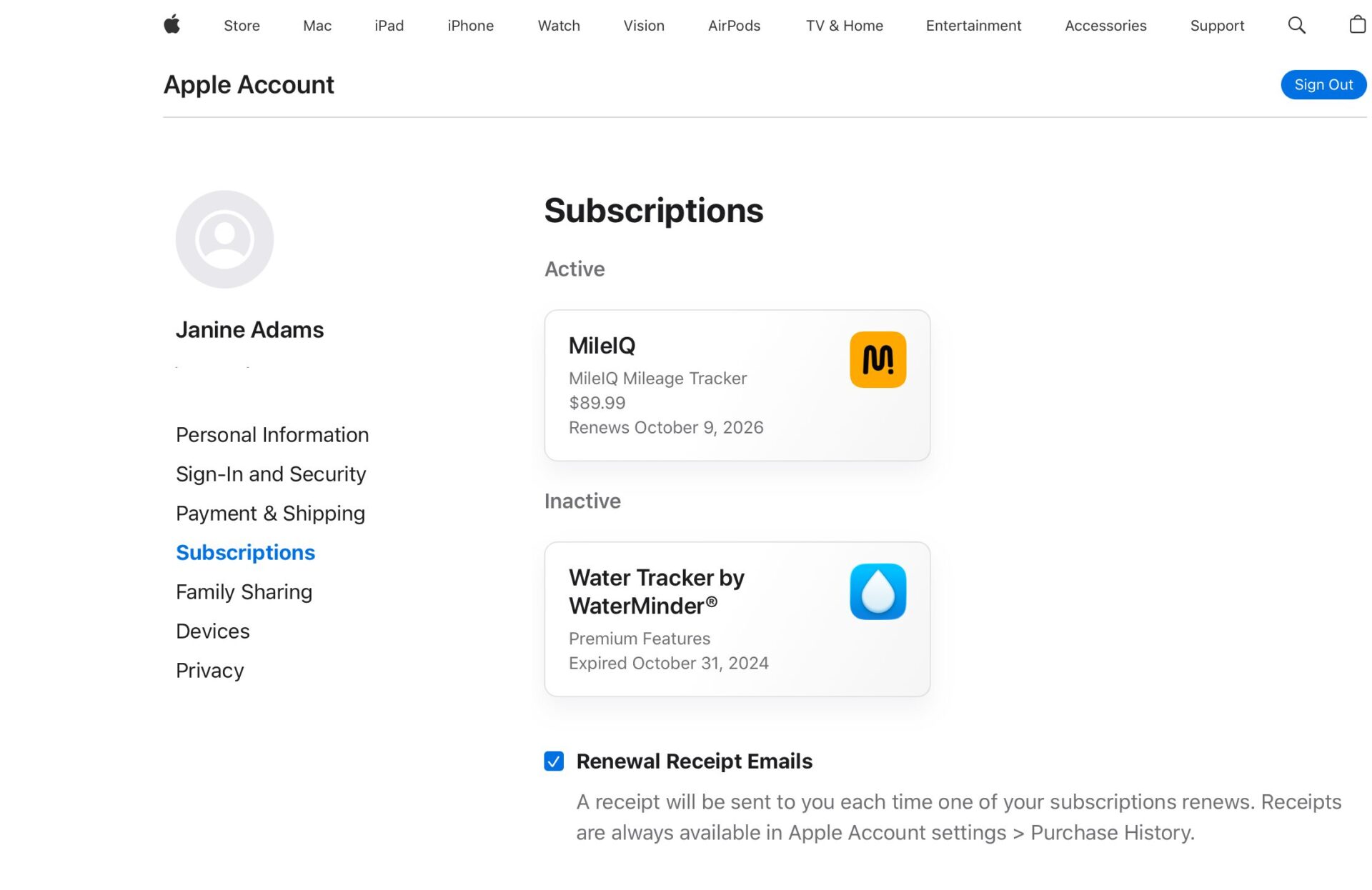
I went to account.apple.com and logged in with that old Apple ID (after clicking on “Use a different account.”) Then I clicked Subscriptions and there it was.

$89.99 for the annual subscription to Mile IQ. It had gone up by $30 since last year (thankfully, it brings the value), so I didn’t find it when I searched in YNAB.
I categorized it, covered the overspending and (this is the important part) I edited my target to so next year I will have the right amount set aside.
Apple doesn’t make it easy to track subscriptions but, in my life, it’s worth the effort. I hope maybe you’ll find this helpful!
Leave a Reply