
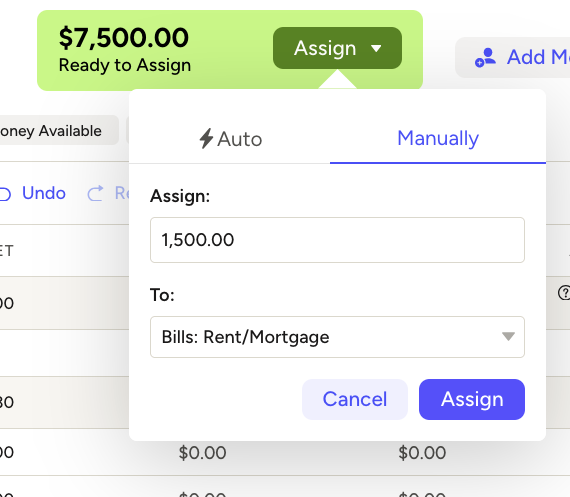
YNAB offers a variety of ways to go about assigning money to a category. In this video for YNAB beginners, I cover six different ways you can get money into the available column of a category. It’s not a comprehensive list–there are probably more!
The method you use is a matter of personal preference. I usually assign directly from Ready to Assign or by clicking Underfunded in the right sidebar. Just pick one or two that feel right for you.
Here’s the video:
A note: My screen might look a little different from yours because I use the Toolkit for YNAB, through which I’ve added a Target column and also changed the color of underfunded categories to blue from yellow, which is less confusing to me. To learn more about how I use the Toolkit, check out this post: Using the Tookit For YNAB.
Leave a Reply